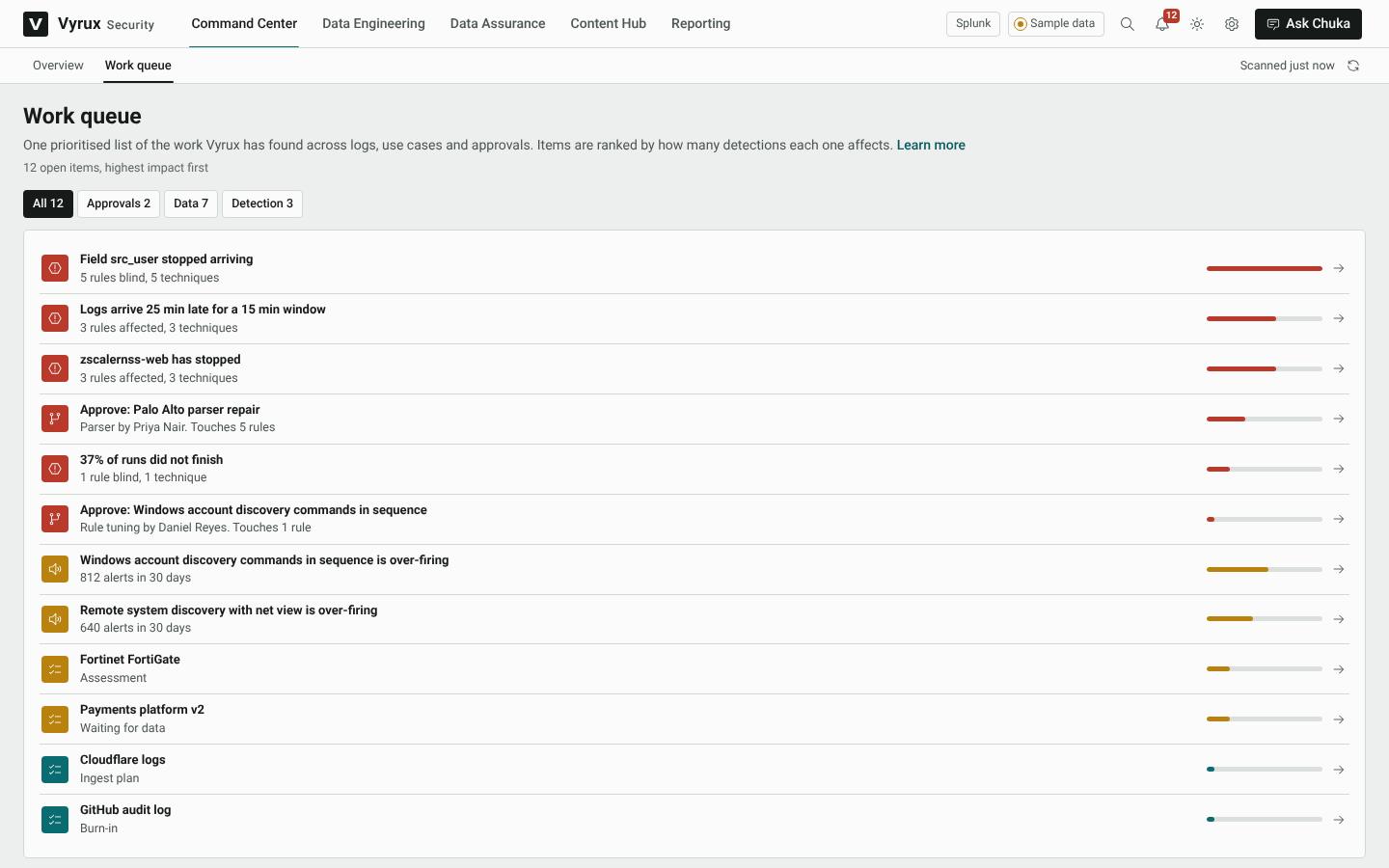
Work queue and approvals
The Work queue is one list of everything Vyrux found across logs, use cases and approvals, ranked by how many detections each item affects. Fix the top of the list first.
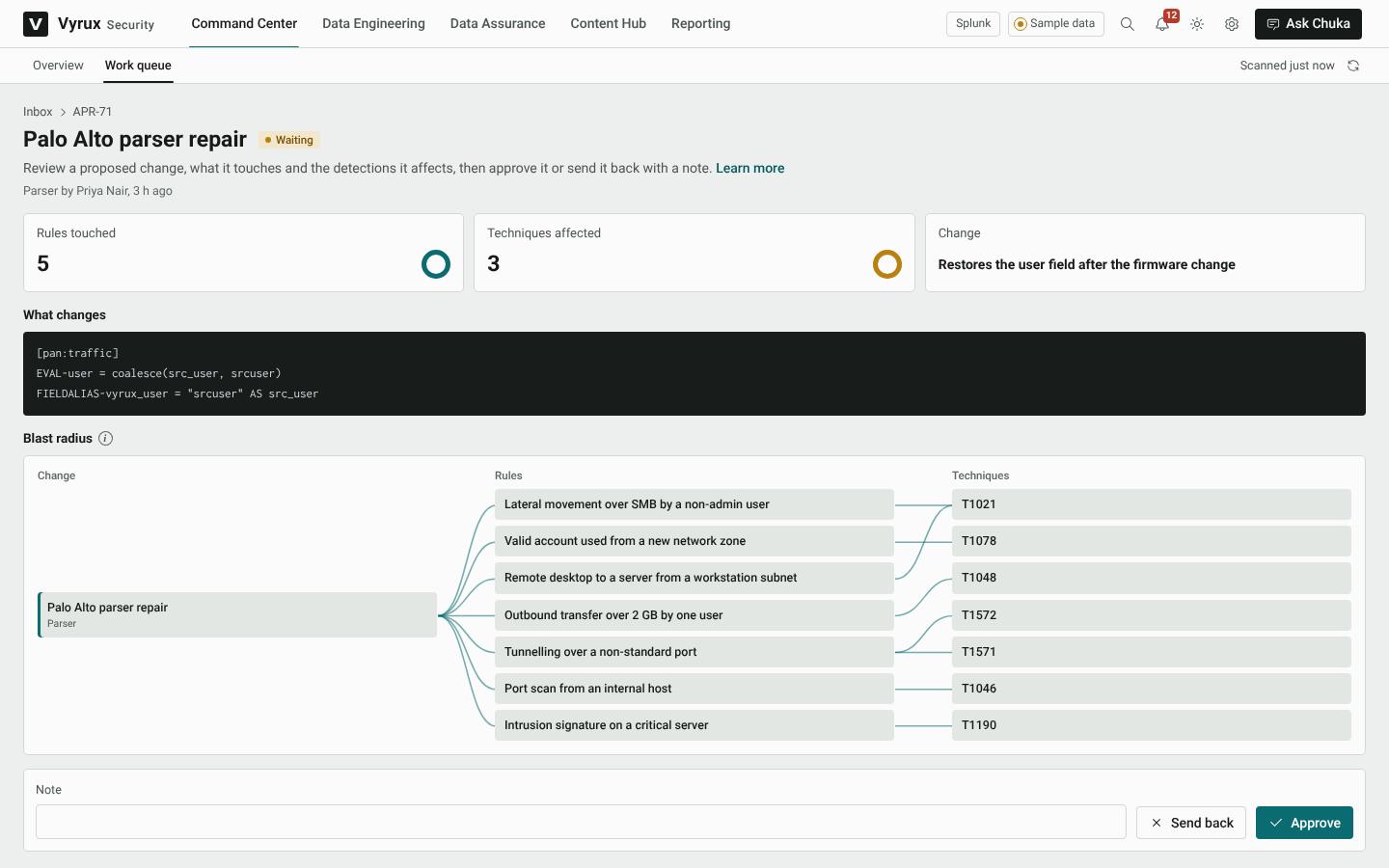
When a change needs a second person, it waits here as an approval. The approval shows exactly what changes, and the blast radius: the rules and attack techniques the change touches.
- Open the approval from the work queue or the bell.
- Read What changes and the blast radius.
- Add a note if you want, then click Approve or Send back. Approving applies the change in Splunk with your own account.