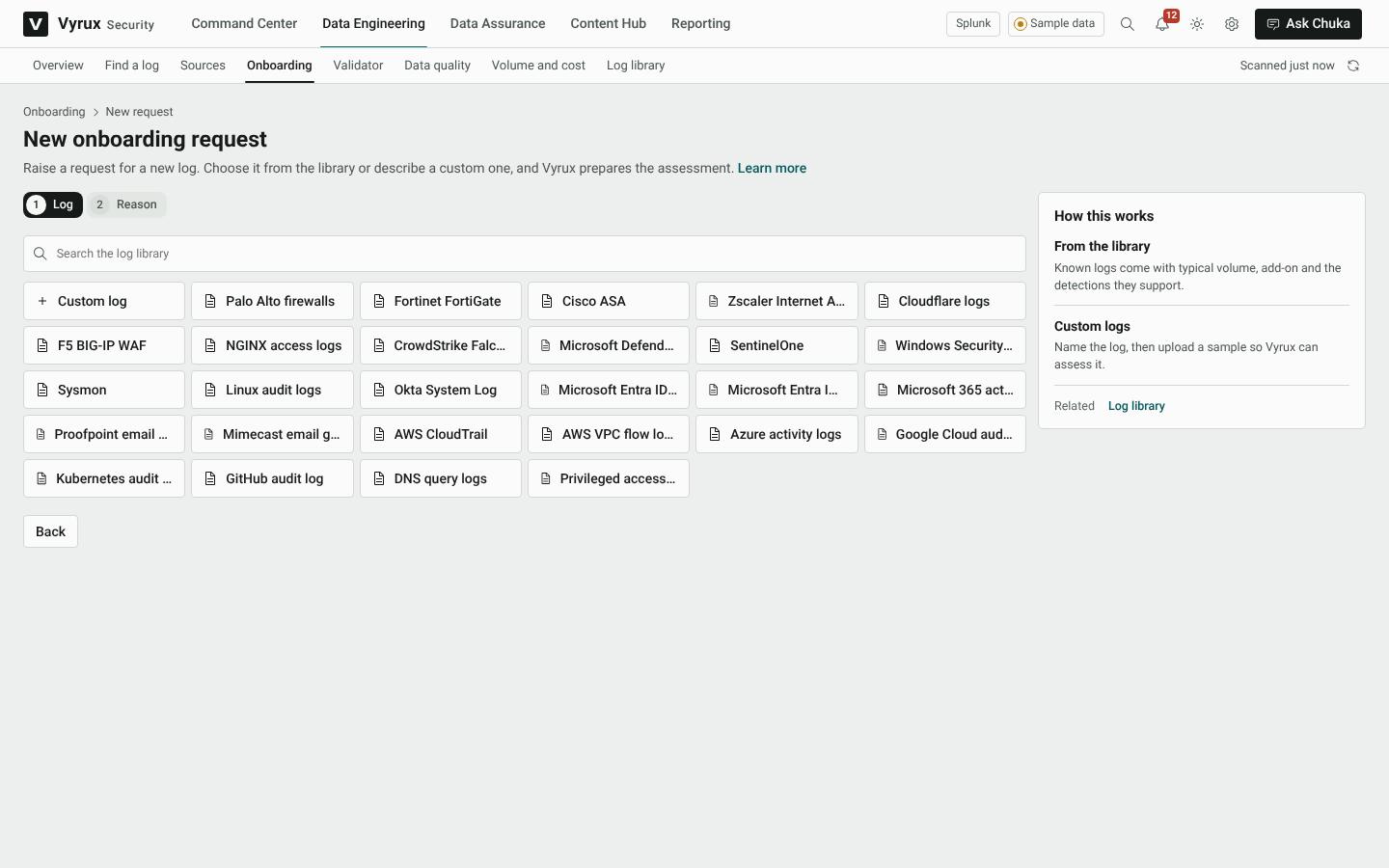
Onboarding a new log
Every new log request moves through the same stages, so nothing reaches production unchecked: Assessment, Ingest, Engineering, Review, Burn-in and Closed.
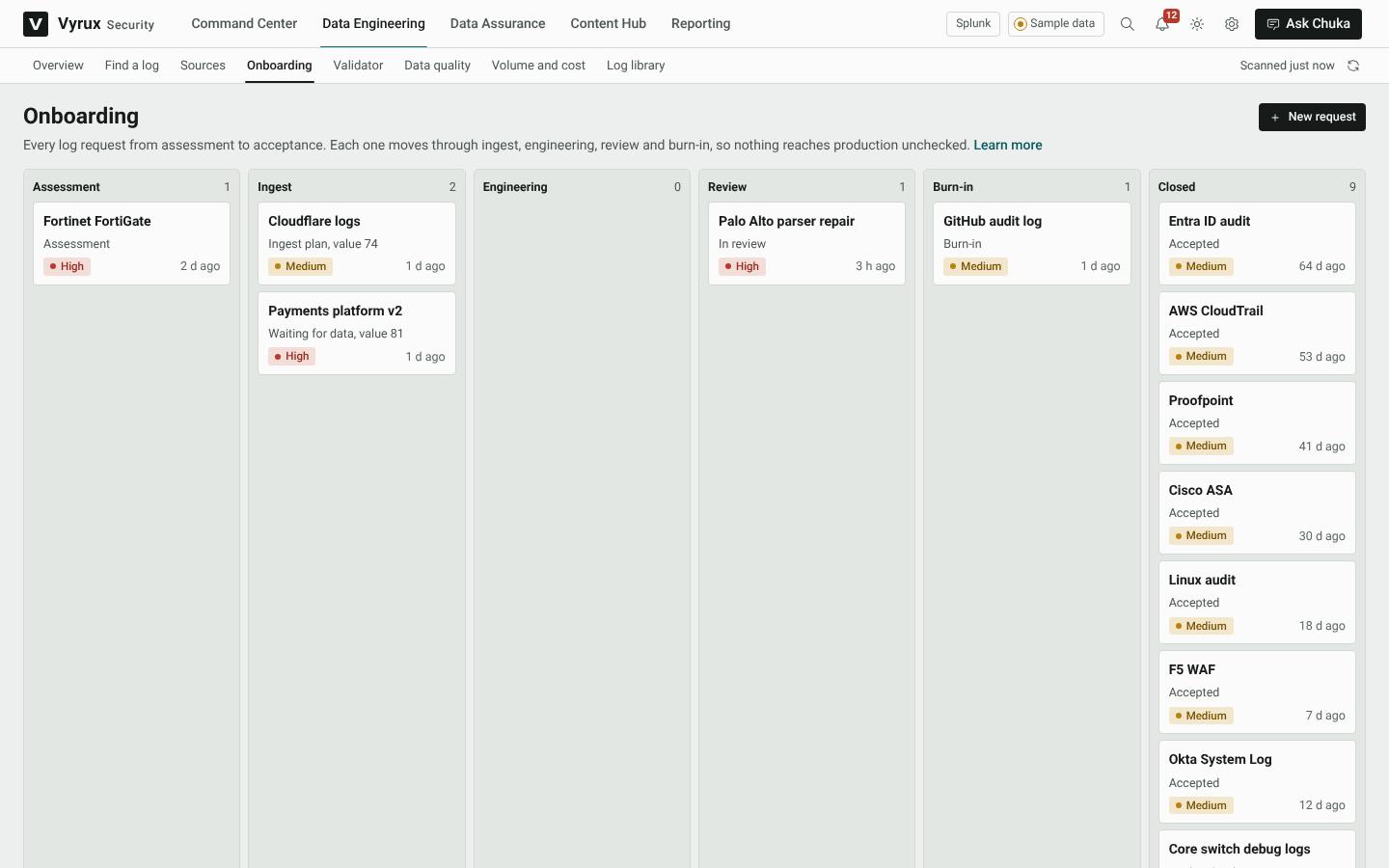
- Click New request.
- Pick the log from the library, or choose Custom log and name it.
- Give the reason the team needs it.
- Upload a sample of events. Vyrux works out the format and the fields, and scores its security value.
- Approve it for onboarding, then follow it through ingest, parsing, review and burn-in.