Chuka, the AI agent
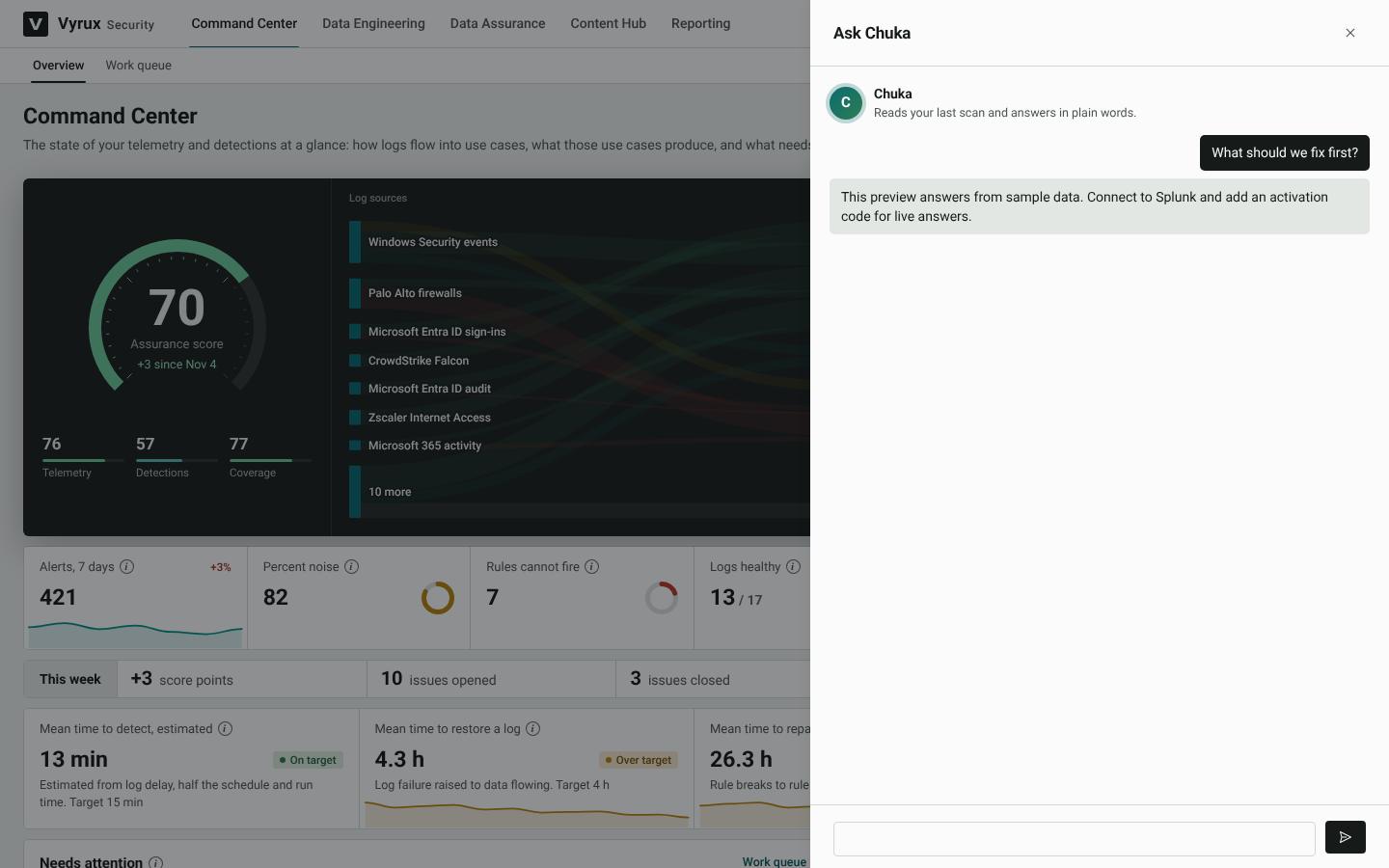
Chuka reads your rules and logs and works with you in plain words. You need no AI account or key of your own. Everything else in Vyrux works with Chuka switched off.
| Ask | Any question about your deployment, from any page |
| Explain | A search, step by step |
| Review | Whether a rule does what its name says |
| Fix | A broken rule, one change per rule, for you to review |
| Tune | A noisy rule, with exclusions you can compare first |
| Draft | A new rule from a description or a Sigma rule |
| Identify | An unknown log from a sample |
| Summarise | Figures for a CISO or a board |
What leaves your server
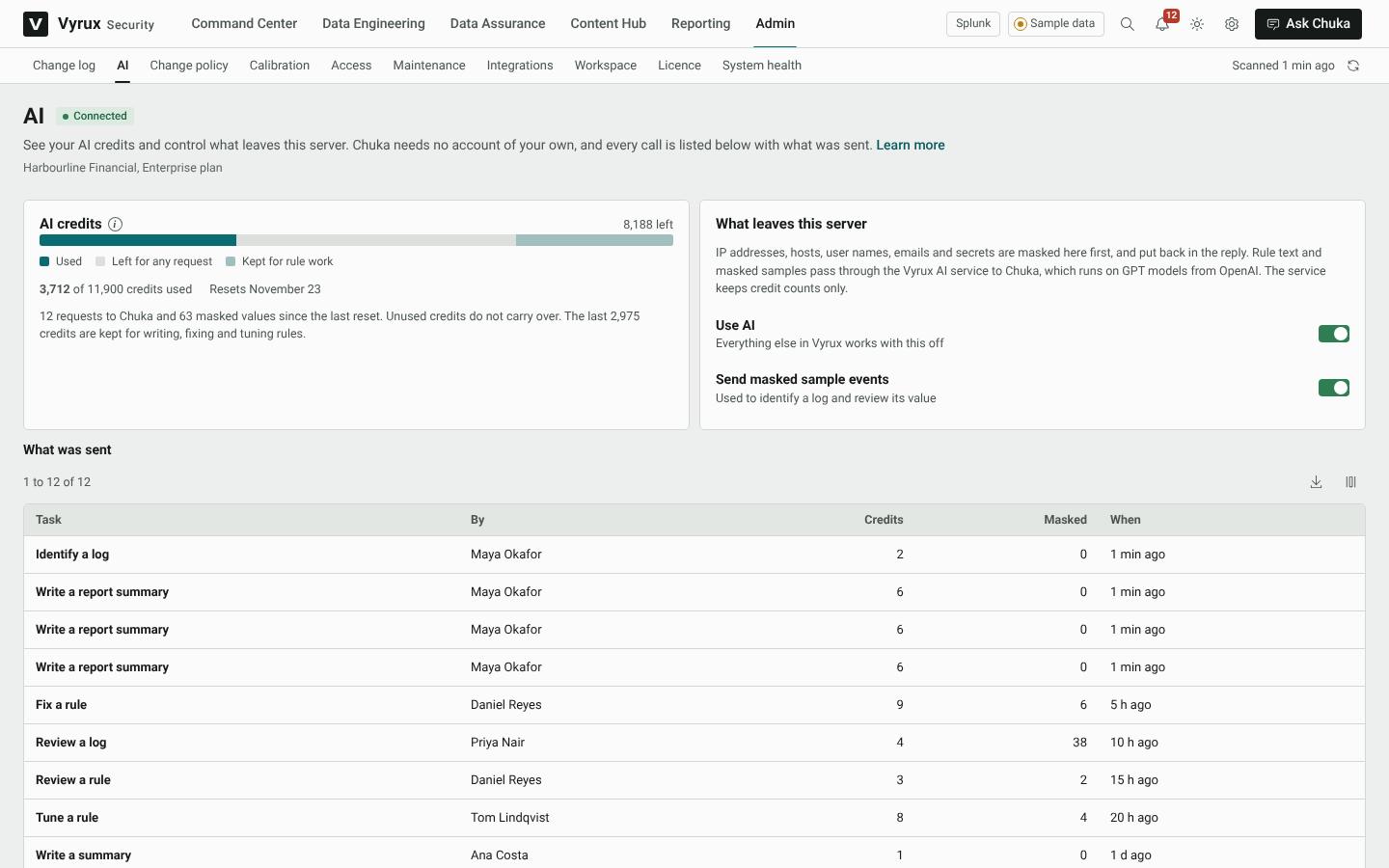
IP and MAC addresses, domain user names, email addresses, keys, tokens and passwords are masked on your server first and put back in the reply. Rule text and masked samples pass through the Vyrux AI service to Chuka, which runs on GPT models from OpenAI. The service keeps only credit counts, never the content. You can switch off Chuka, or only the sending of sample events, under Admin, AI.
AI credits
Each plan includes AI credits every month, and double in the first month, because setting up uses the most AI. A question uses about one credit. Fixing or writing a rule uses a few more.
- Credits reset each month on your billing day. Unused credits do not carry over.
- The last quarter of each month's credits is kept for rule work: writing, fixing, tuning and checking rules. Questions, summaries and log reviews pause at three quarters.
- Before Chuka fixes the rules of a root cause, Vyrux shows about how many credits it will use.
- Extra credits can be bought under Admin, Licence. They last until the next reset.