Plans, trial and activation
Vyrux has one plan with everything included, for every team. You can pay monthly or yearly by card. The yearly price gives two months free.
- Go to Admin, Licence. Only a Vyrux admin can buy.
- Enter a billing email and click Buy on the plan you want. Stripe opens in a new tab. If your browser blocks the tab, Vyrux shows a link instead.
- Pay by card in the Stripe tab. If you have a promotion code, click Add promotion code there. A free order needs no card.
- Come back to Splunk. Vyrux activates by itself within a minute, with no code to copy. If you closed the page, the background scan finishes the activation.
Renewals, billing and cancelling
- Your plan renews each month or year. Vyrux collects the new period's code by itself, even if nobody opens it.
- Manage billing under Admin, Licence opens the billing portal: change the card, download invoices, switch between monthly and yearly, or cancel.
- A cancelled plan keeps working to the end of the period you paid for.
- Extra AI credits can be bought as a top-up. They last until the next reset.
- If a payment is refunded or disputed with the card issuer, the licence stops at once. Vyrux switches to read only within the hour and says why on the Licence page.
To try it first, enter your work email and click Start a free 30 day trial. There is one trial per company and per server.
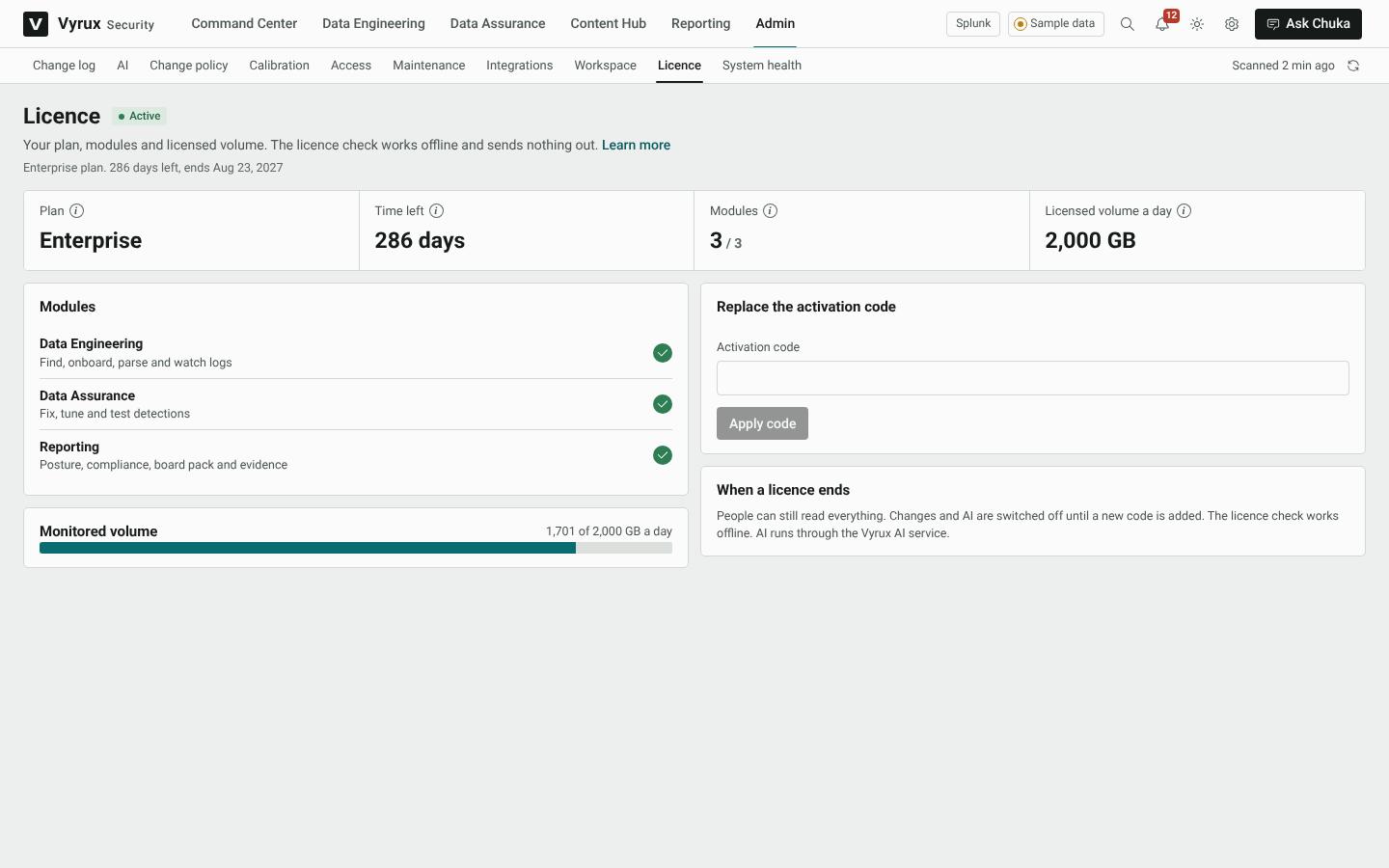
If you received an activation code from Vyrux Security, paste it under Replace the activation code and click Apply code. The licence check runs on your server and sends nothing out.
Note
When a licence ends or stops, people can still read everything. Changes and Chuka switch off until the plan is renewed or a new code is added.